
Owner access
Same account email
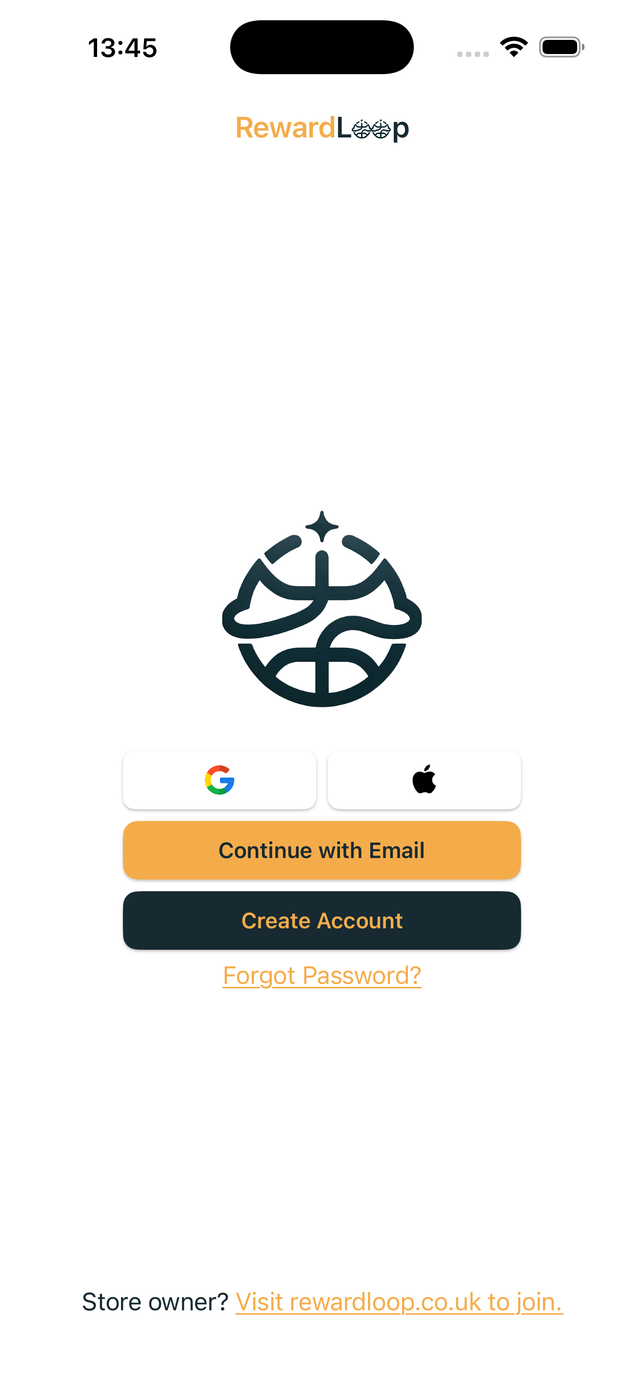
Owners sign in with the same email they used during signup, so setup and daily use stay connected.
How It Works
Set up your rewards online, use RewardLoop on a phone or tablet at the till and let customers collect with Wallet or the app. Customers who choose Apple Wallet or Google Wallet don’t need to download RewardLoop.
Already using RewardLoop? Log in. Need the shorter overview first? See the homepage summary.
Owner access
Owners sign in with the same email they used during signup, so setup and daily use stay connected.
Day-to-day use
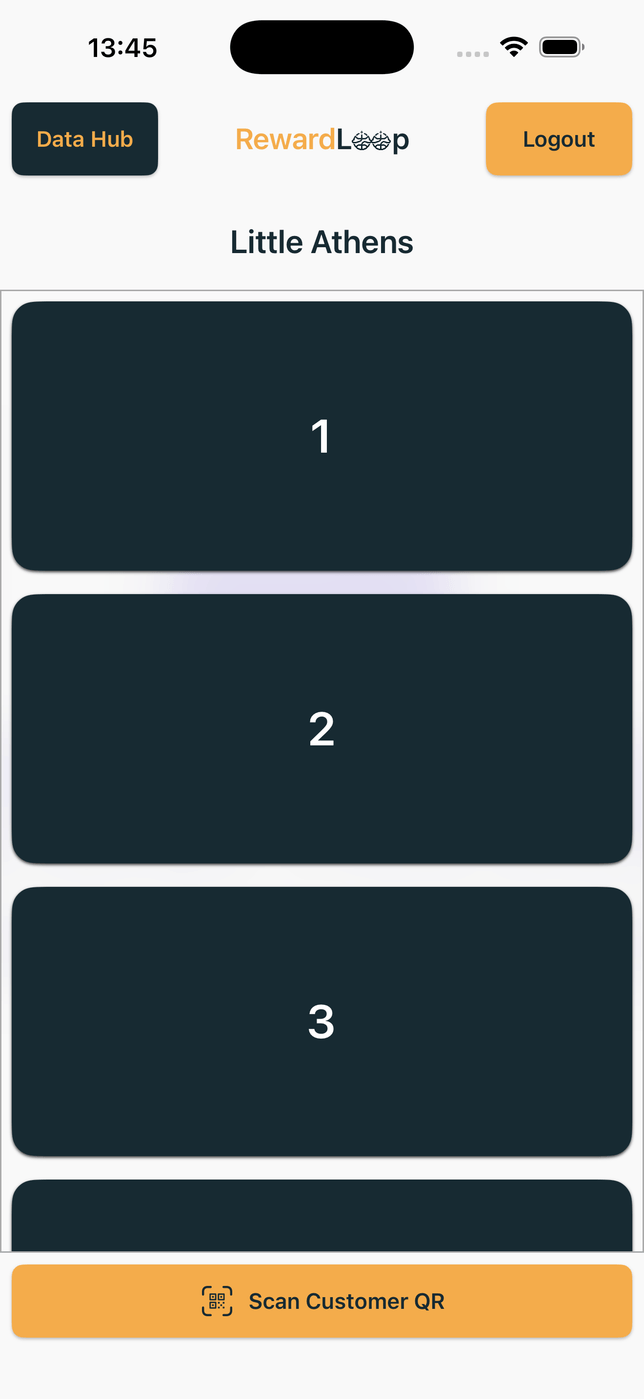
Staff can use the app on till or front-of-house devices without adding extra hardware.
65-second walkthrough
From setting up your store and displaying your poster to quick visits, returning customers and clear activity in Data Hub.
Start Free shows your plan, launch timing and what happens when you go live.
App customers scan a short-lived QR, or staff scan a customer's Wallet card. Both methods update the same RewardLoop account.
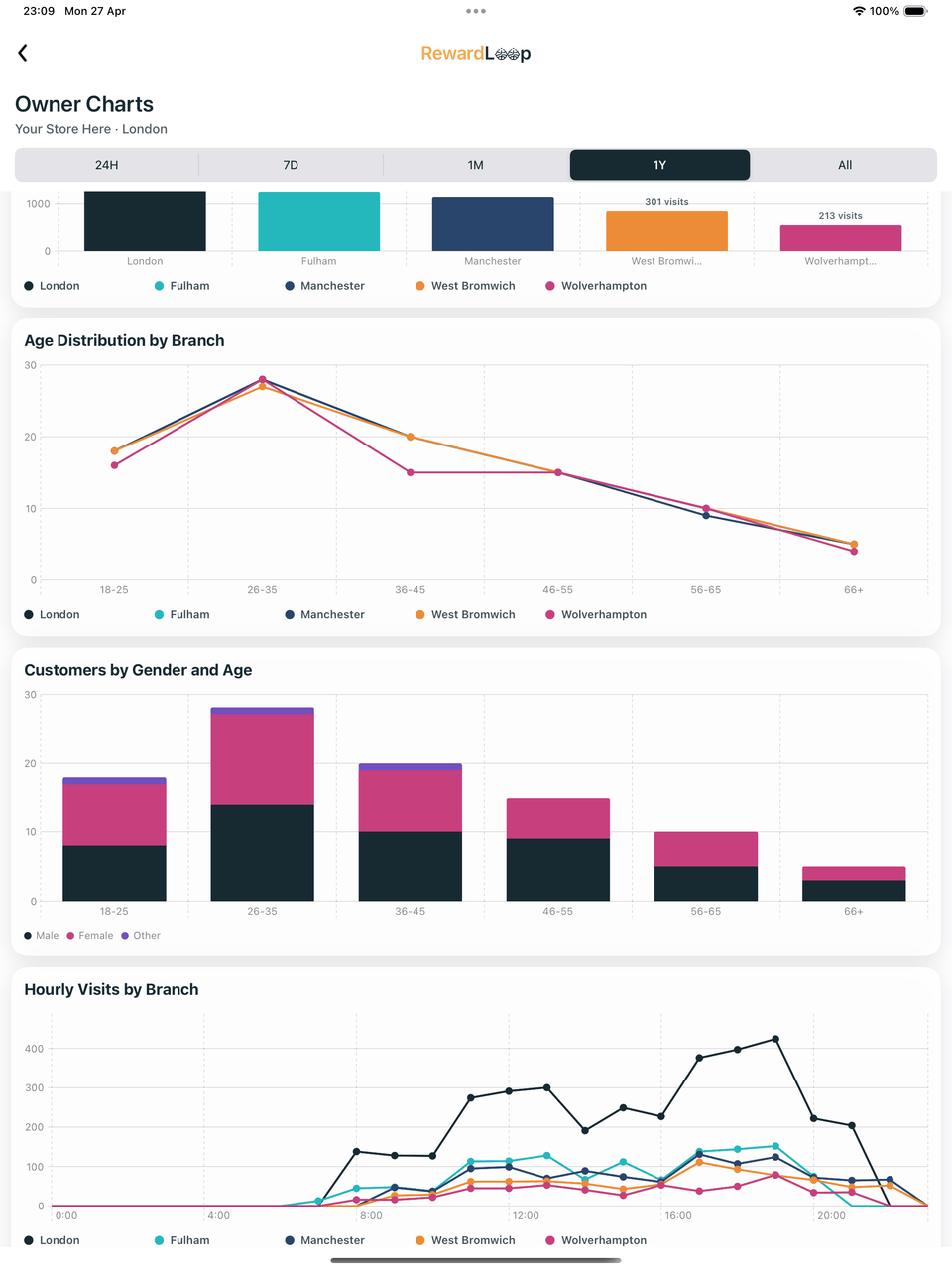
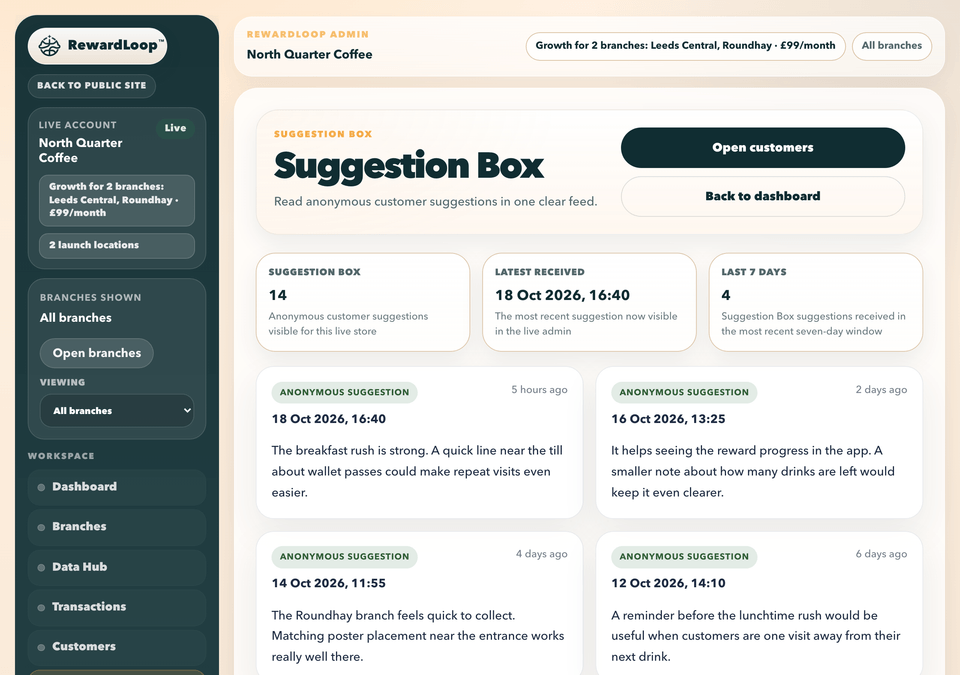
Owners review transactions, charts and suggestions in Data Hub, with richer visibility building as customer activity grows.
Setup and Launch
With your store details, logo and rewards ready, setup takes around five minutes. Save and come back whenever you need to. Your store only goes live when you confirm.
Use the email and password you’ll later use in RewardLoop at the till.
Add your store and rewards, then choose a plan. You can also offer a Head Start towards the first reward.
Download the included PNG and printable PDF whenever you like, and we print it on the stand-up card we post you. See poster options.
Save your payment details, check everything and go live when you’re ready. Print your poster the same day, and your free stand-up card is usually with you within a week.
Your 30-day free trial starts only when you go live. The generated poster is included, and so is the stand-up card we post to UK shops; human design and Print & Deliver remain optional.
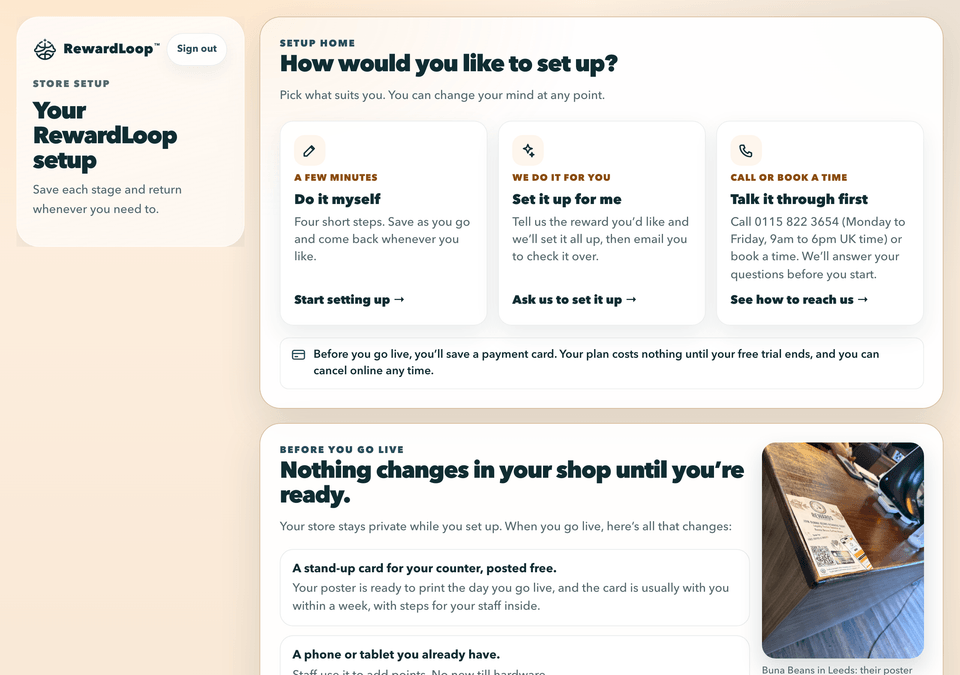
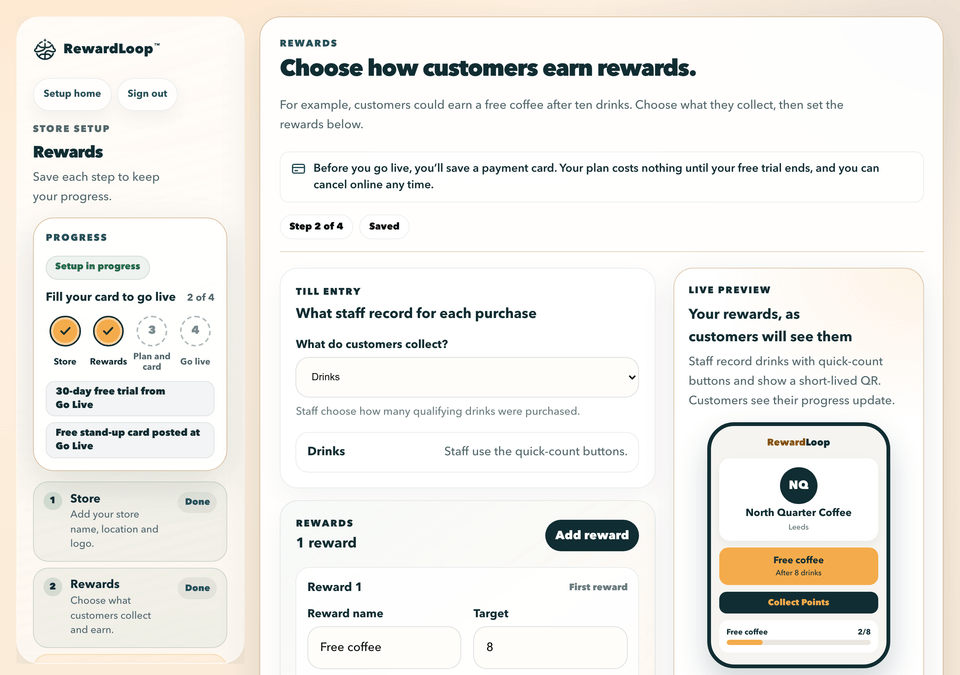
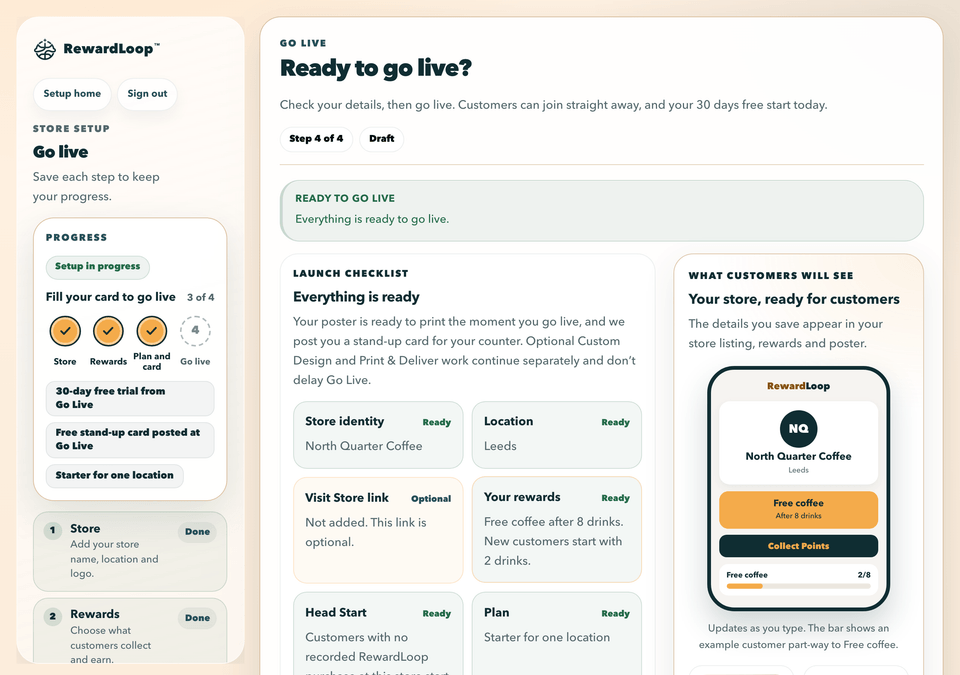
Your store stays private while you set up. Customers see it only once you go live.
Customer Side
One QR lets customers join with Apple Wallet, Google Wallet or the RewardLoop app. No app download needed if they choose Wallet.
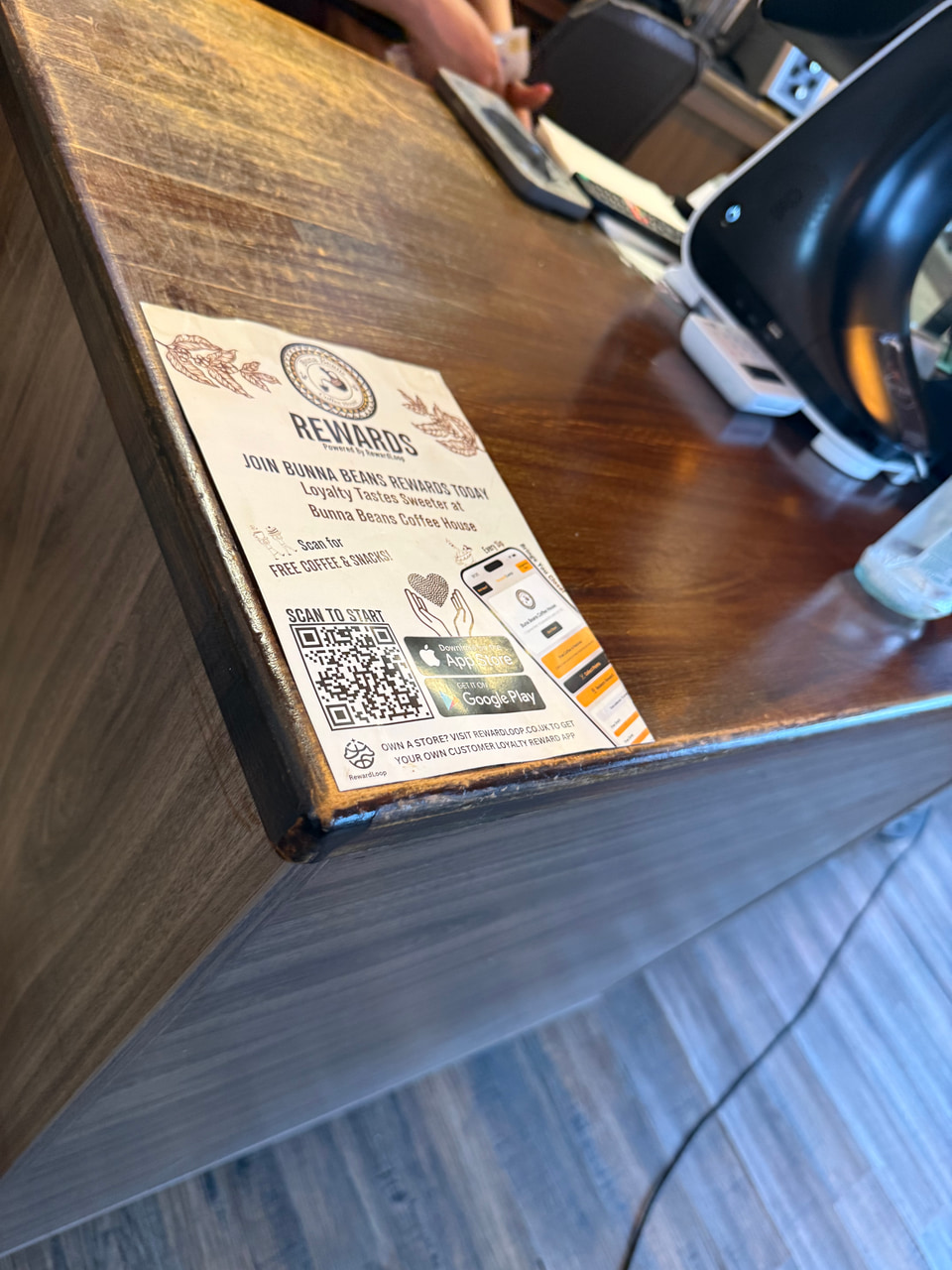
The QR code gives customers one clear place to join.
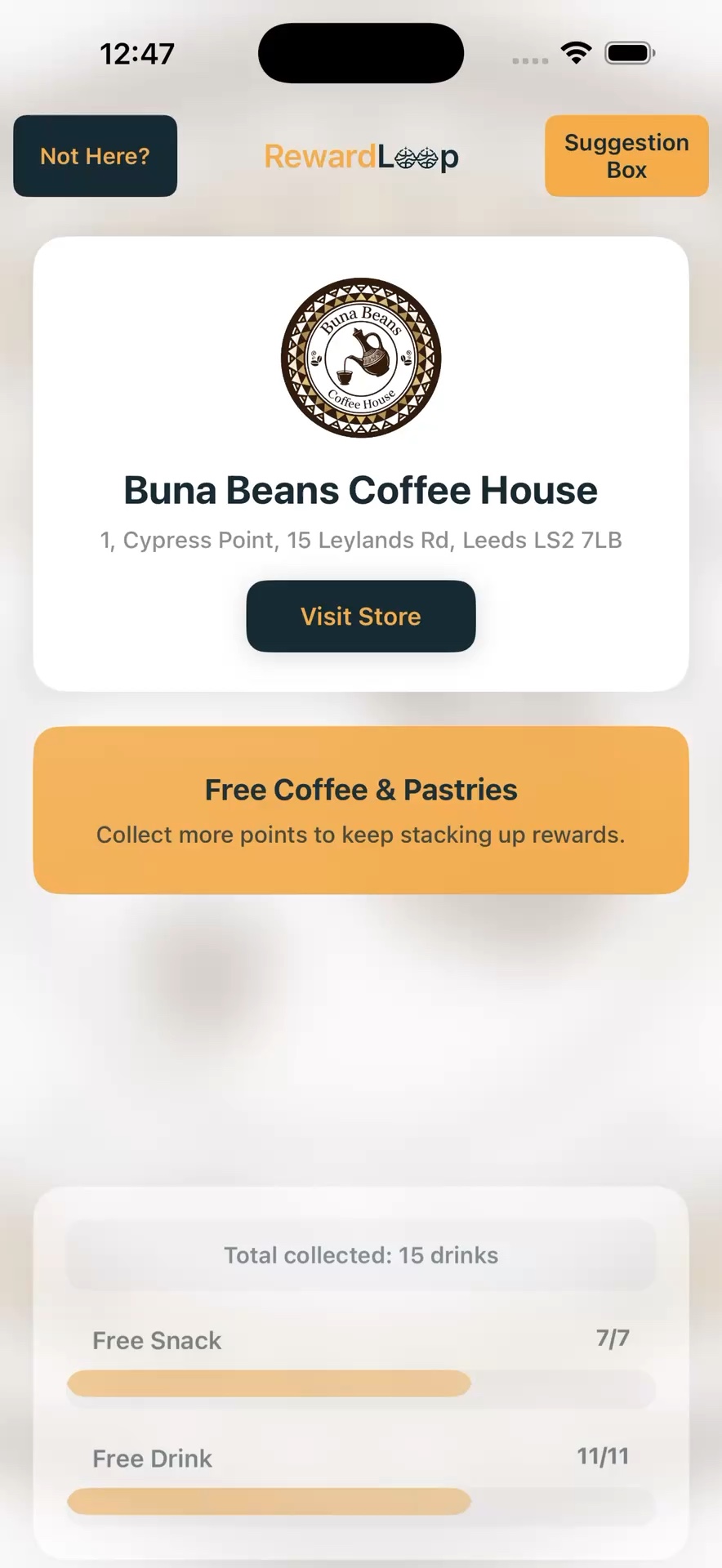
App customers find your store and see what you offer.
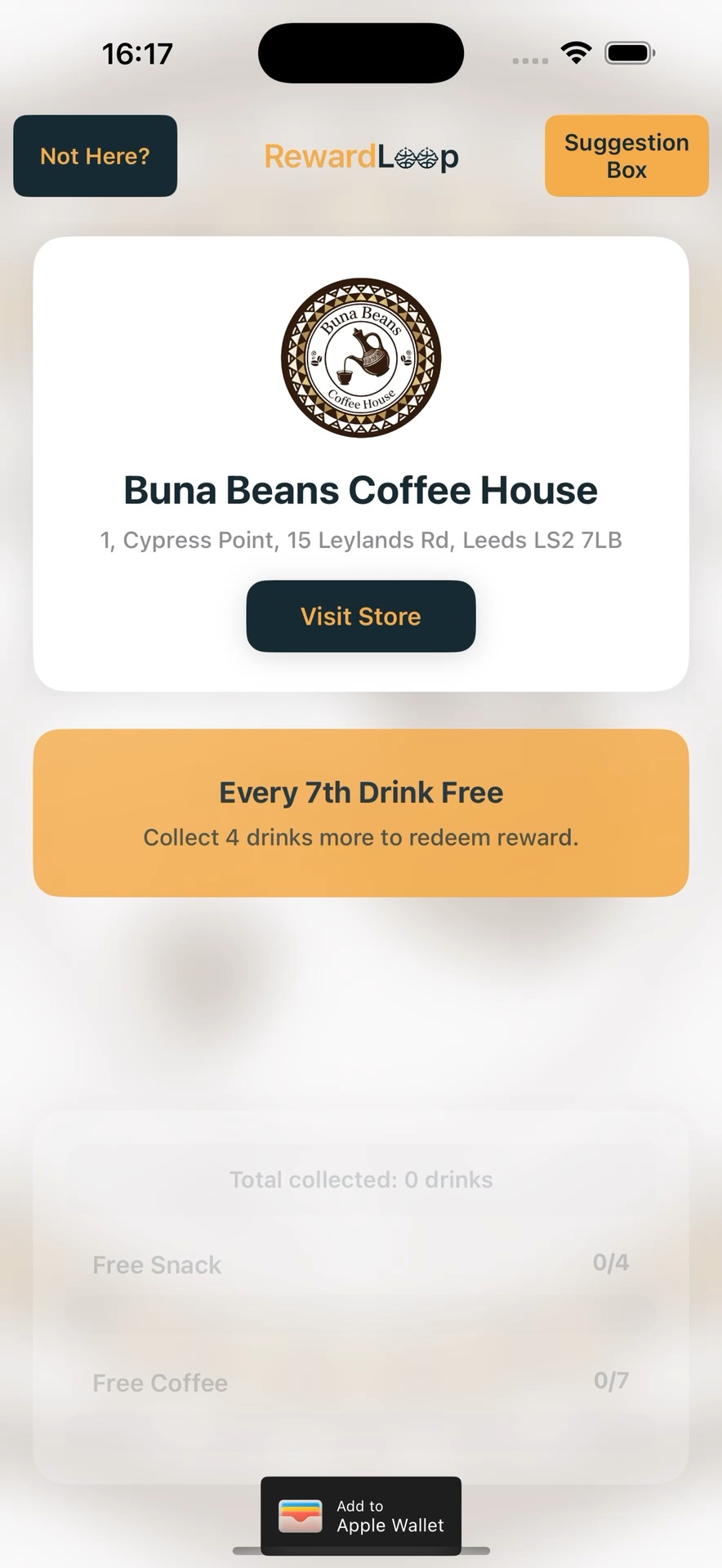
Your store page brings their rewards, progress and suggestions together. Add a Visit Store link to make your website or Google listing easy to find.
Customers can start with Wallet and sign into the app later with the same account. There’s no need to join twice.
Day To Day At The Till
Use the RewardLoop app on a phone or tablet behind the counter. Here’s what staff do for app and Wallet customers.
Both options update the same customer’s rewards. No specialist scanner needed.
Owners sign in with the same email used during signup. Staff can use the owner app on till or front-of-house devices during everyday service.
No extra hardware required
For app customers, enter the number of items or the amount spent.
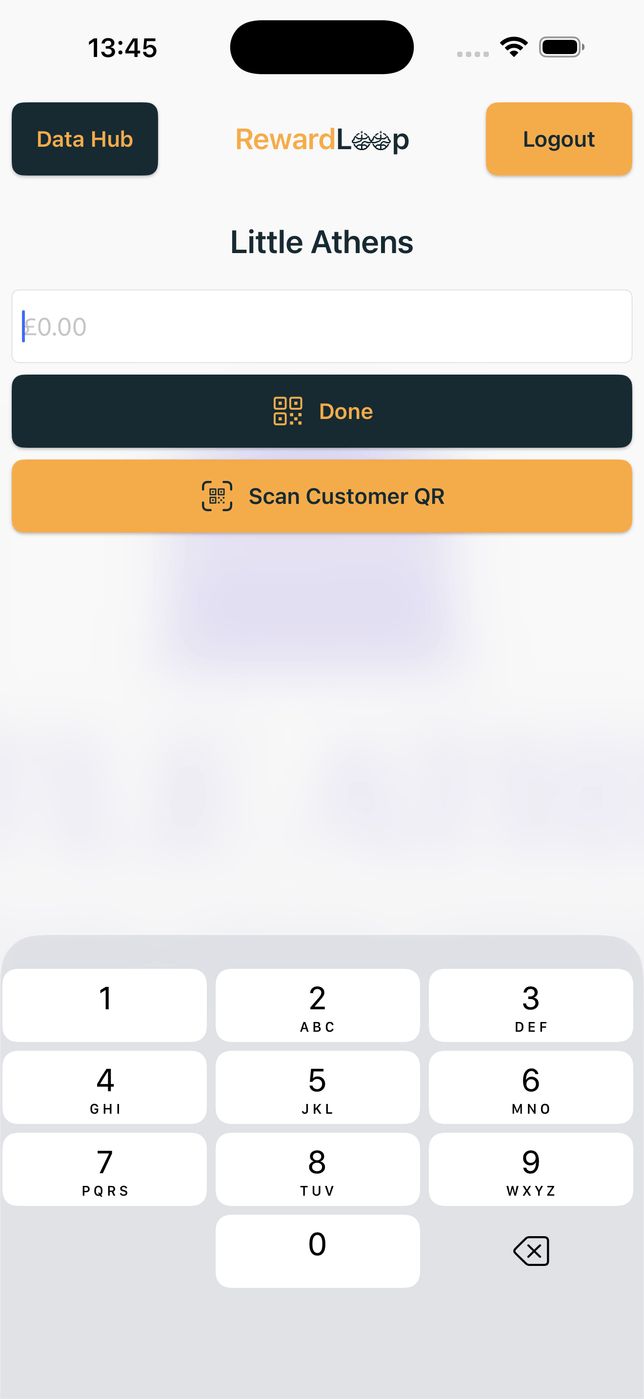
App customer? Show the QR after entering the purchase. Wallet customer? Scan their card first.
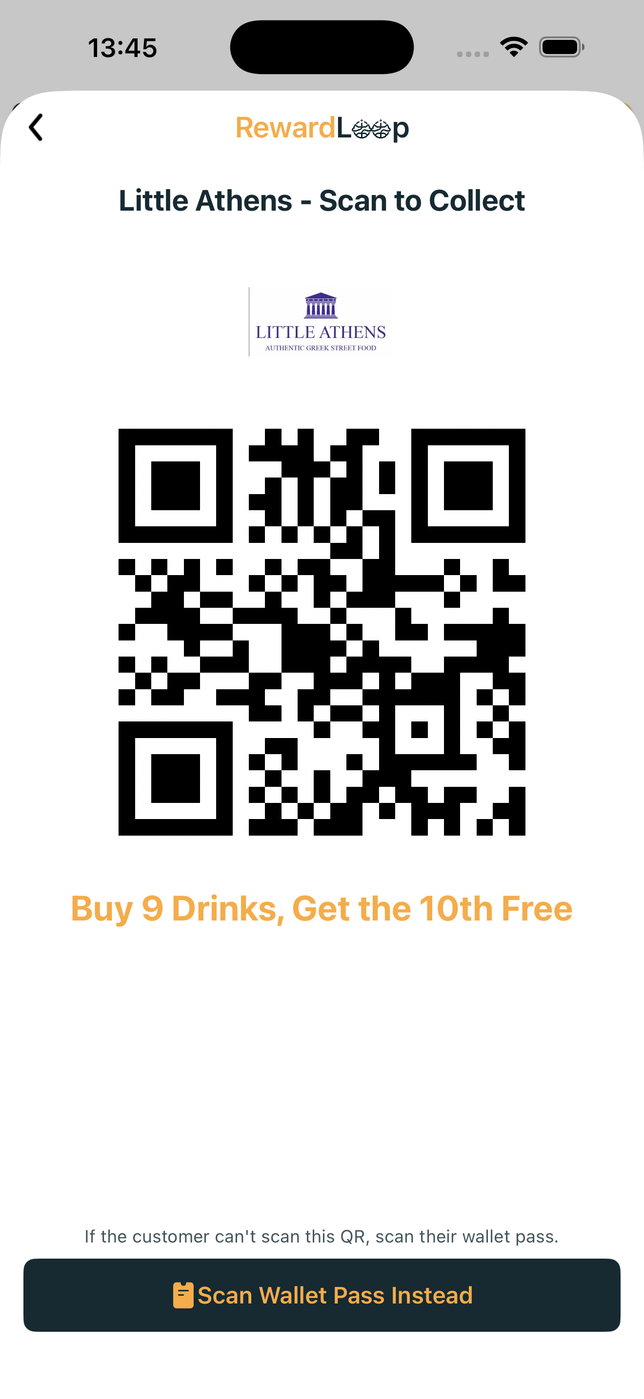
The owner screen shows a short-lived QR for the customer to scan in the app. It closes after a successful collection so it cannot be reused.

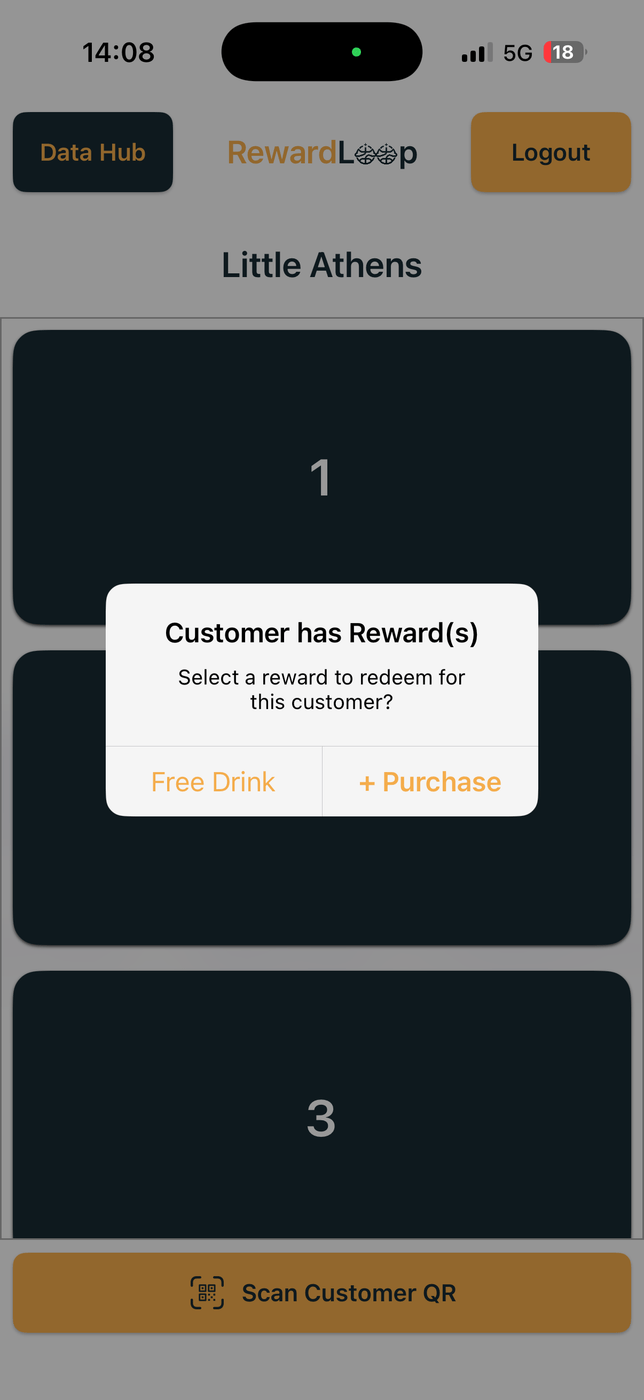
Staff scan the card first. RewardLoop then shows the relevant action: confirm an available reward or add the new purchase.
Both methods update the same loyalty progress. The short-lived QR closes after a successful collection, while the Wallet card stays ready for future visits and fills in after each one.
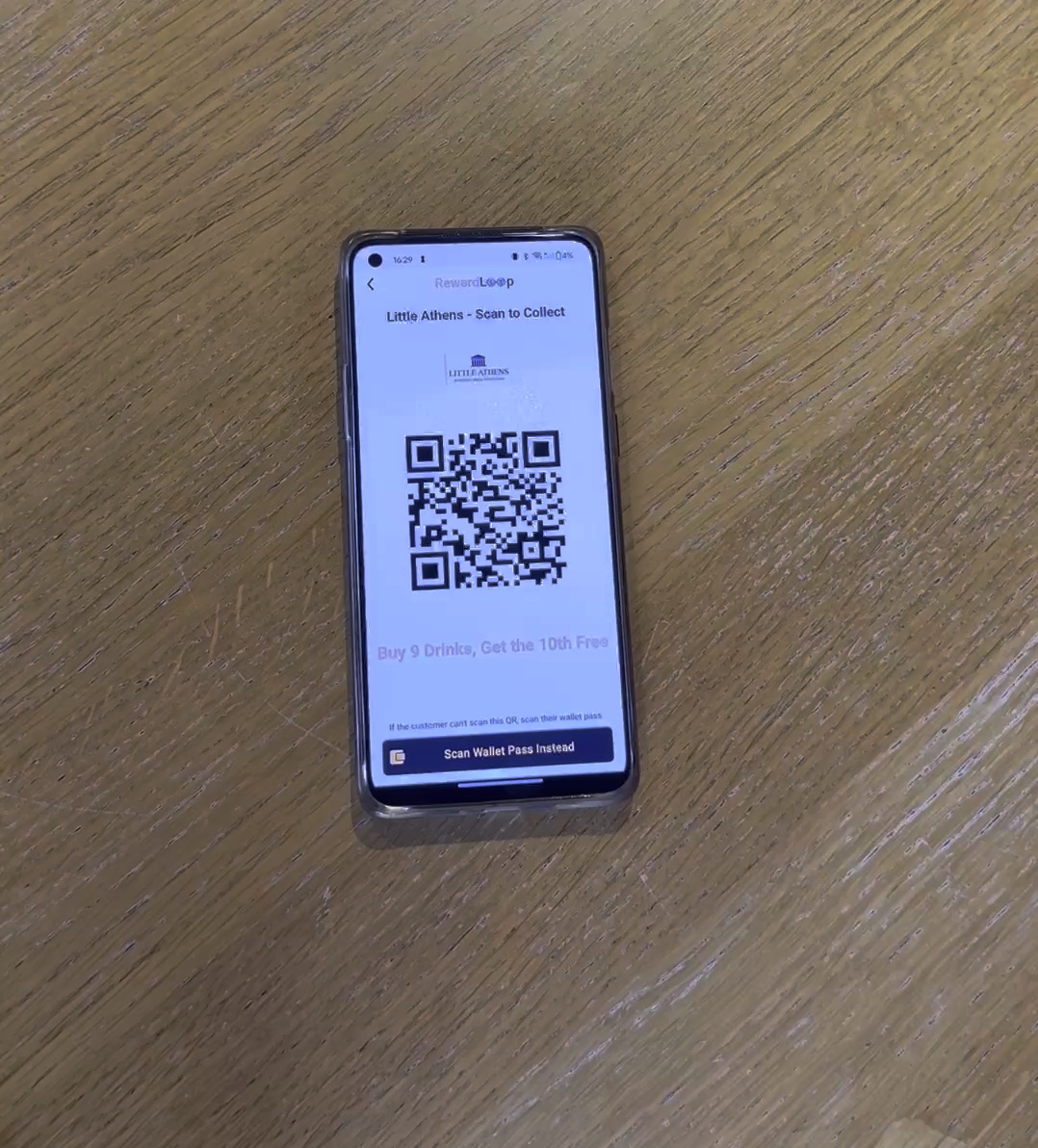
The video shows staff selecting the visit count, the customer scanning the QR and the QR closing after a successful collection.
The Return Visit
After collection, customers see their updated progress in the app or on their Wallet card. RewardLoop can automatically remind them when they are close to a reward or when one is ready, helping turn loyalty progress into another visit.
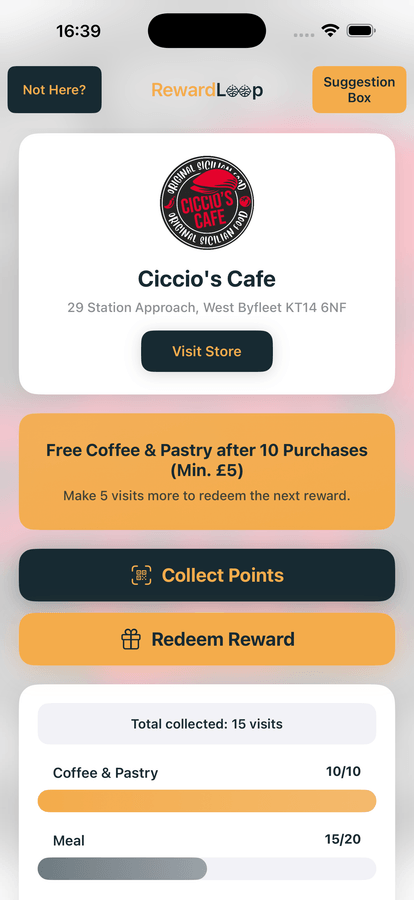
Wallet-only customers get reminders from your card when they are close to their next reward, when a reward is ready and when they’re due back, and the card fills in after every visit. App users get the reward reminders in the app.
Redeeming Rewards
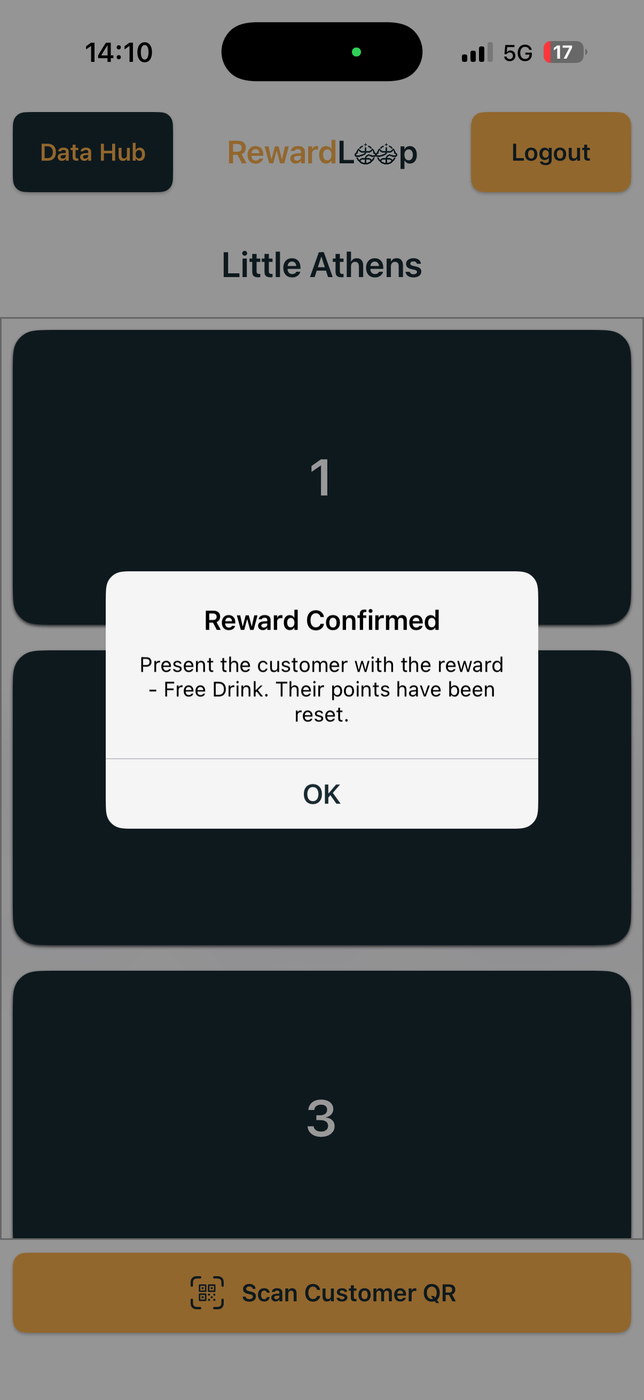
When a reward is ready, staff confirm it after scanning the Wallet card or receiving a claim from the app. RewardLoop updates their progress and keeps any extra towards the next reward.
Apple Wallet, Google Wallet or the app
Let customers choose what suits them. Both work at the till.
Customers see how close they are to their next reward and can receive helpful reminders.

Keep a card ready to scan at the till. It shows their progress, and the app is there whenever they want a little more.
Data Hub
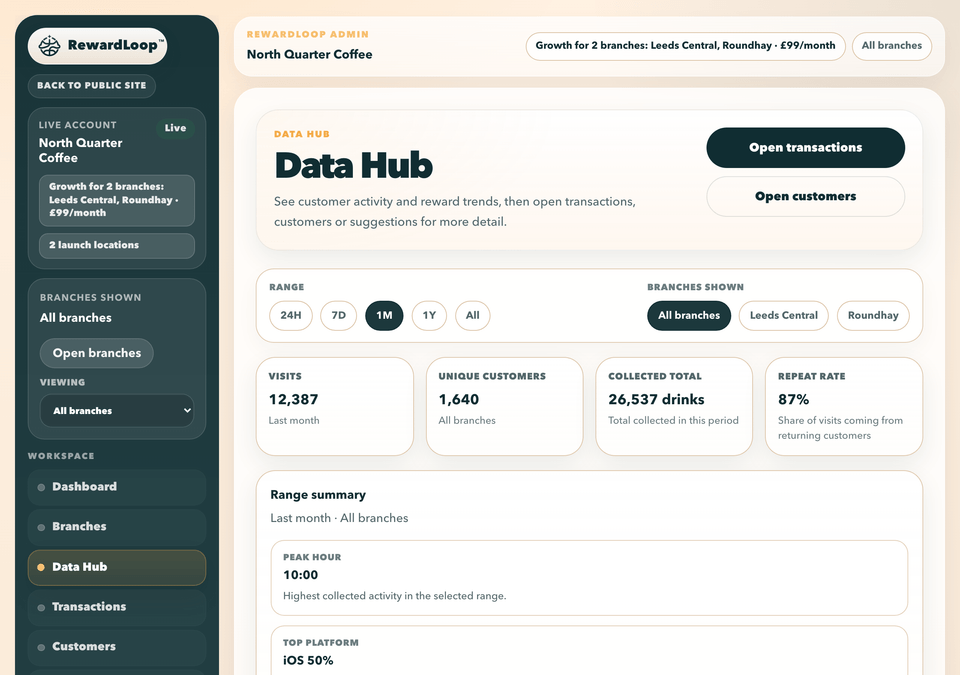
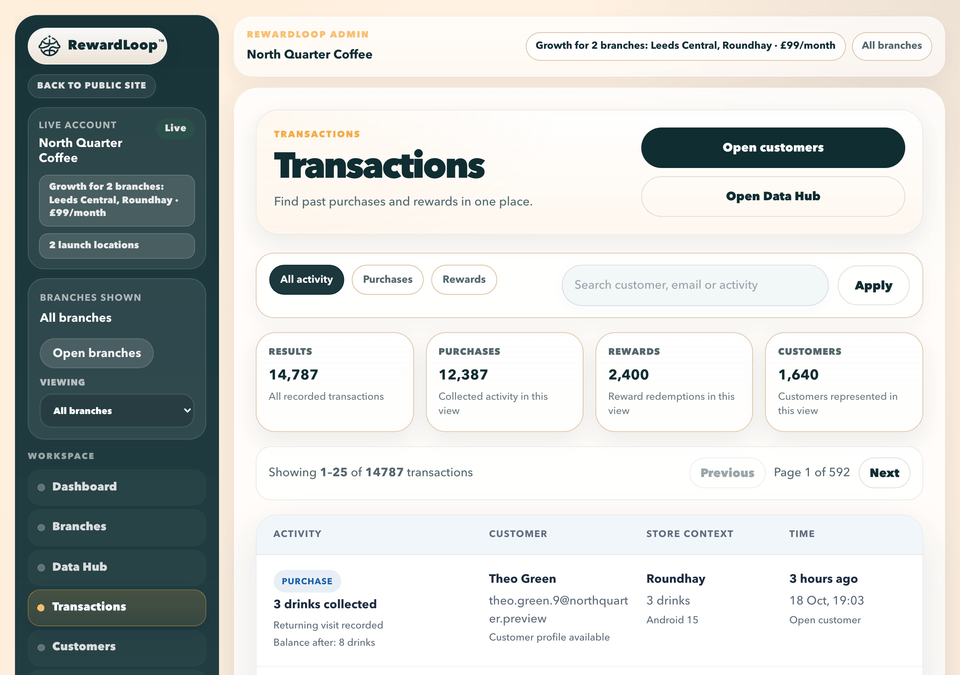
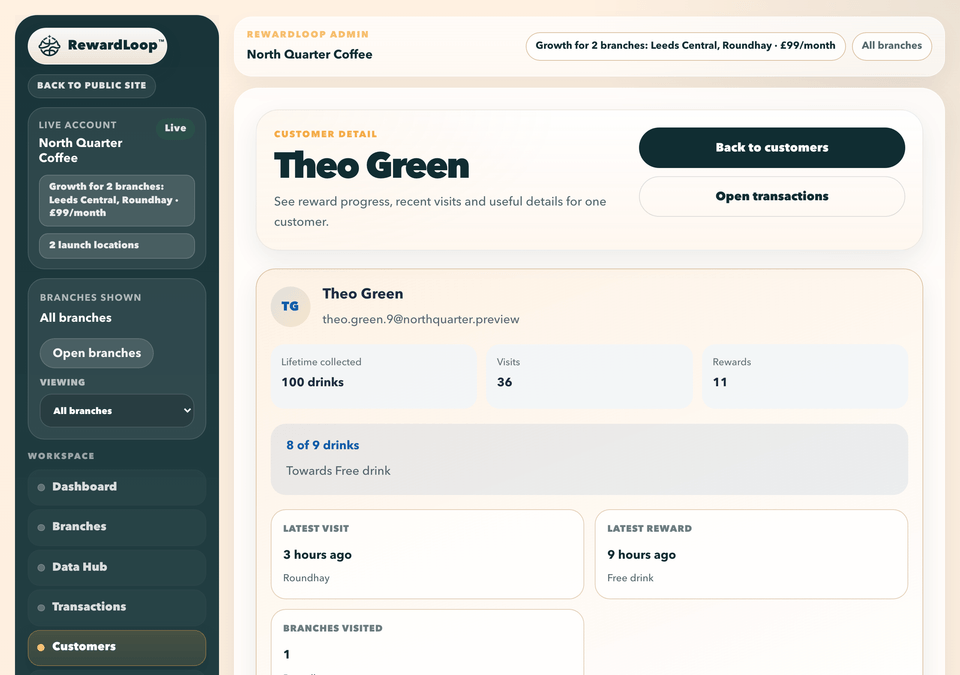
Check visits, rewards and customer suggestions in one place, even when you’re away from the store.
Start with the charts, then open a purchase or customer record when you want a closer look.
Review recent loyalty activity and open linked customer detail.
Get to know each customer through their visits and reward progress.
Read anonymous customer suggestions in one organised place.
Choose a date range to see visits and reward activity.
Every plan includes the Data Hub. Growth adds branch filters and comparisons.
Poster options
One refreshable design usable across all branches, supplied as PNG and PDF and printed on the stand-up card we post you.
Customers can choose the app, Apple Wallet or Google Wallet.
When you go live, we post you a stand-up card for your counter: your poster on the front, what to say at the till on the back and steps for your staff inside. It’s usually with you within a week, and free for shops in the UK.
Both options provide one design usable across all branches, three revisions, PNG and PDF.
Available per location after a human design is approved.
Nothing activates until you confirm the programme is ready.
Custom Design is £49. Express Custom Design is £149 instead, not an additional charge. Timings are confirmed after the brief. Prices shown are the total amounts charged; no additional tax is added at checkout.
Optional Head Start
The amount always stays below reward one, so a qualifying purchase is still required before the first reward can unlock.
Eligible app customers with no recorded RewardLoop purchase at that store see the configured progress from the store list onwards.
The purchase is added to their Head Start. After that, customers collect and redeem as normal.
Included in every standard plan. The setting applies across all of a store's branches and can be changed later without altering existing balances.
See the advertising exampleNext Step
Create your free account and set up at your pace. If you need a hand, call us on 0115 822 3654, Monday to Friday, 9am to 6pm UK time.
Set up at your own pace and get your first 30 days free.

