
Custom announcement
New flavour? Spread the word
Write your news in your dashboard. We check every message before it goes out.
For Boba and Chai
Give regulars a reward worth collecting and let them know when a new flavour arrives. Customers can join with Apple Wallet or Google Wallet — no app download needed.
Your customers get your own card, in your logo and colours.

Custom announcement
Write your news in your dashboard. We check every message before it goes out.
Automatic reminder
Reminders on their Wallet card or in the app let customers know when they’re close to a reward or have one ready.
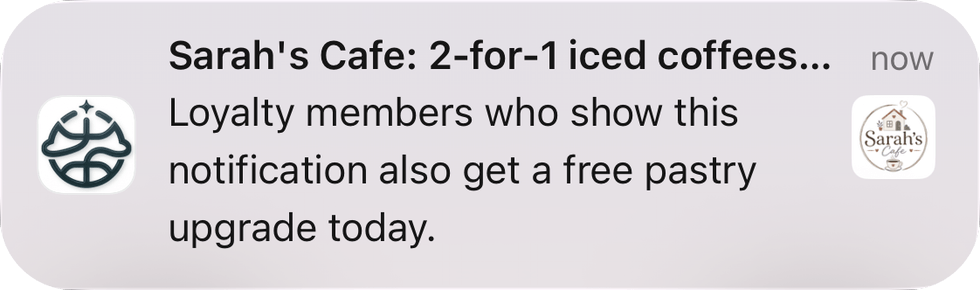
Keep customers in the know
When you go live, your generated poster is ready to print, and we post UK shops a free stand-up card with it on the front. Each human-design option provides one design usable across all branches, three revisions, PNG and PDF. Print & Deliver begins only after approval. See poster details.
Prices shown are the total amounts charged; no additional tax is added at checkout.
Check your Data Hub online or in the app, even when you’re away from the shop.
How to launch
Use your generated or human-designed poster, app discovery or a QR code to let customers join through the app, Apple Wallet or Google Wallet.
For app customers, enter the purchase and show the QR for them to scan. For Wallet customers, scan their card first, then add the purchase.
When they’ve earned a reward, staff confirm it at the till. Their progress updates, ready for next time.
Start Now
Prepare for launch, then get your first 30 days free.