
Phone-first setup
Use familiar devices
No specialist scanner, NFC equipment or plastic cards are needed.
Feature: No Additional Hardware
Use the RewardLoop app on a compatible phone or tablet behind the till. For app customers, staff enter the purchase and show a short-lived QR. For Wallet customers, staff scan the card first, then choose the purchase or reward action. Customers can add your loyalty card to Apple Wallet or Google Wallet without downloading the RewardLoop app, or use the app if they prefer.
Phone-first setup
No specialist scanner, NFC equipment or plastic cards are needed.
Operational simplicity
Customers scan the staff QR in the app, or staff scan the customer's Wallet card. Ready rewards can then be confirmed without adding counter clutter.

Behind the till
After staff sign in, app customers scan a short-lived QR or staff scan the customer's Wallet card. These are alternative routes into the same RewardLoop account.
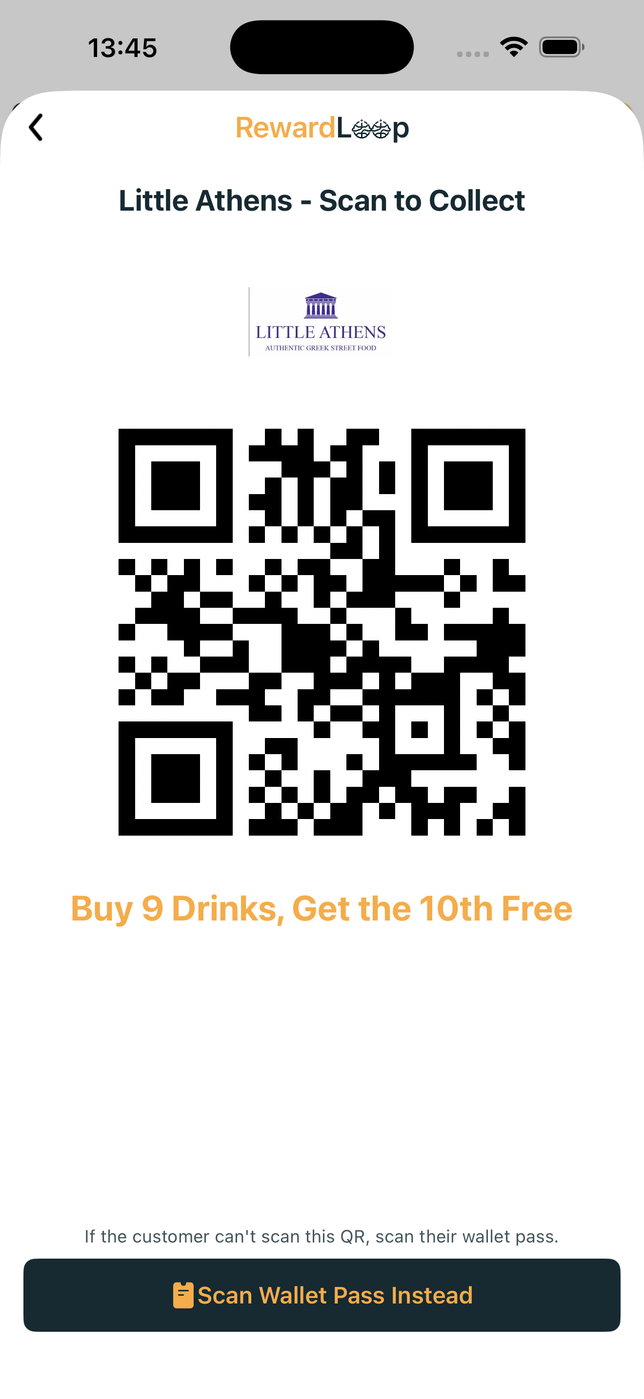
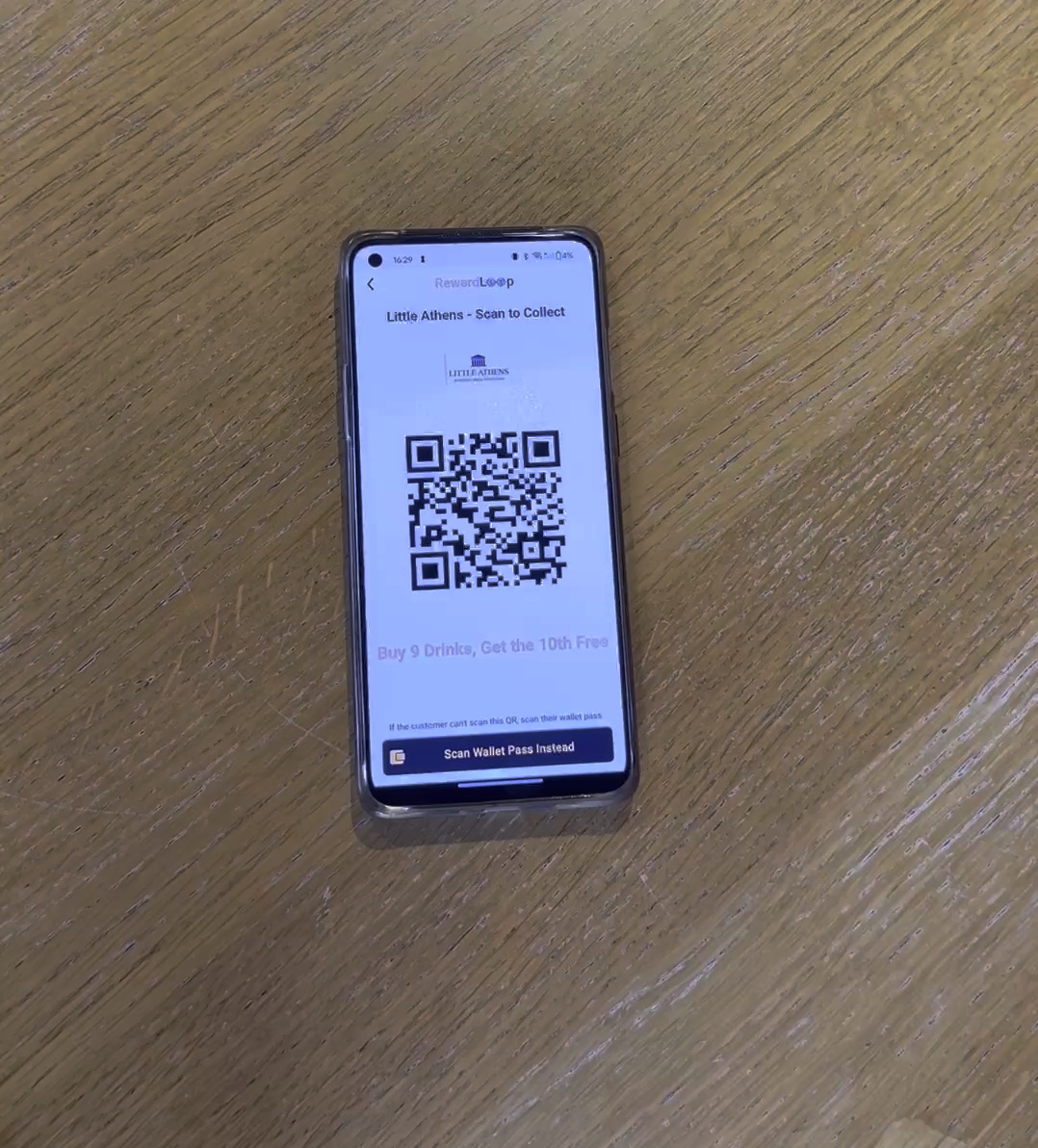
Staff tap the purchase count, RewardLoop shows a short-lived QR, the customer scans from their own phone and the QR closes after collection. The customer returns to the store screen with updated progress.
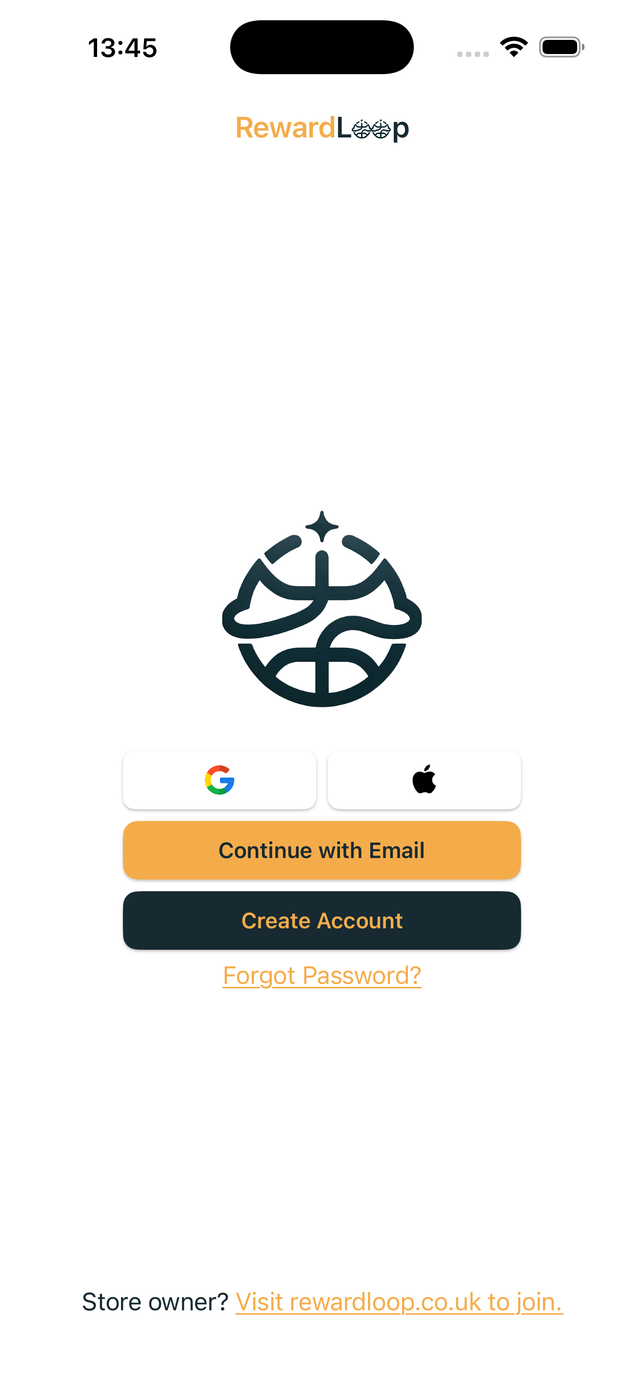
Use the account created during setup on a till or front-of-house device.
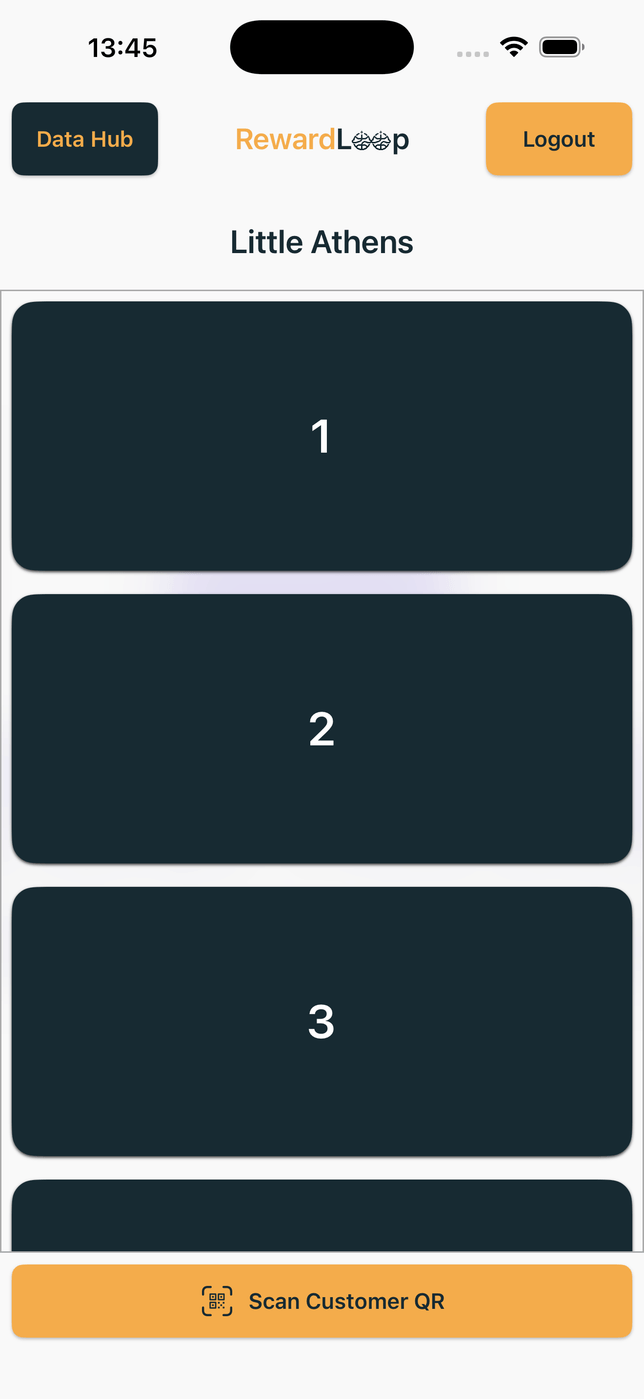
For a count-based programme, staff tap the visit or item count first.
The staff screen shows a QR for the customer to scan in the app, then closes it after collection.

Staff scan the customer's Apple Wallet or Google Wallet card, then RewardLoop shows the relevant purchase or reward action. Customers do not need the RewardLoop app for this route.
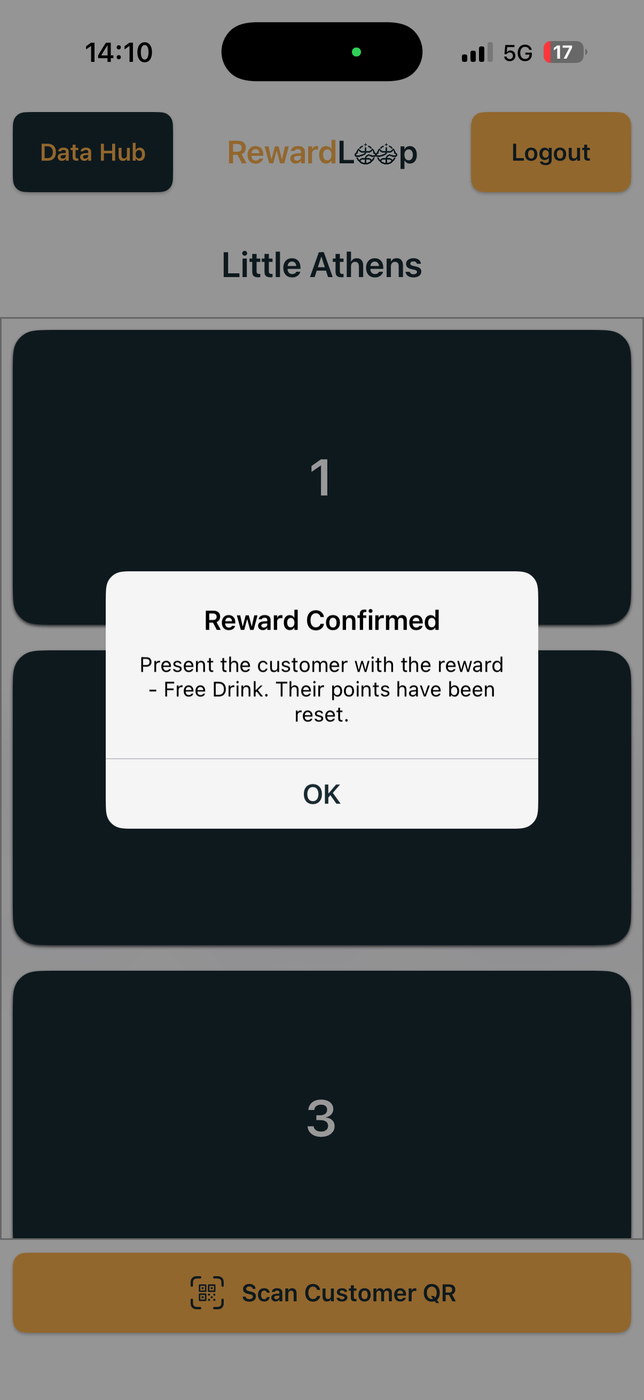
Staff confirm the available reward only when it is redeemed. RewardLoop deducts that reward's threshold, while any surplus progress can remain.
| Area | Heavier setups | RewardLoop phone-first setup |
|---|---|---|
| Hardware overhead | You may need to buy and set up extra equipment. | No extra hardware to buy. Use a compatible phone or tablet. |
| Counter workflow | Extra steps may slow down a busy queue. | App customers scan the QR after staff select the purchase; Wallet customers show their card for staff to scan first. |
| Launch complexity | More moving parts before go-live. | Online setup can take around five minutes when your details are ready. Go live once setup and payment details are complete. |
| Equipment to manage | Extra devices and card stock increase overhead. | Uses existing devices, with no separate counter tag, specialist scanner or recurring paper stamp-card stock. |
You may need to buy and set up extra equipment.
No extra hardware to buy. Use a compatible phone or tablet.
Extra steps may slow down a busy queue.
App customers scan the QR after staff select the purchase; Wallet customers show their card for staff to scan first.
More moving parts before go-live.
Online setup can take around five minutes when your details are ready. Go live once setup and payment details are complete.
Extra devices and card stock increase overhead.
Uses existing devices, with no separate counter tag, specialist scanner or recurring paper stamp-card stock.
Scroll sideways on smaller screens to view the full table.
Use a compatible phone or tablet at the till.
Configure your store, offer and launch details in RewardLoop.
Customers can use the app, Apple Wallet or Google Wallet.
Print your poster the day you go live, and we post UK shops a free stand-up card with the poster on the front. Human design and Print & Deliver are optional.
Prepare without a subscription charge, then begin 30 days of full selected-plan access only when you launch. See poster options or compare all prices.
Start Now
Start free, prepare for launch and keep the counter flow simple. Starter fits one location, while Growth carries the same model across branches. Your first 30 days are free.