
Live stamps
Feature: Wallet card
Your own loyalty card, in their Wallet
Customers scan your poster and add your card to Apple Wallet or Google Wallet in seconds. It carries your logo and colours, fills in after every visit and tells them when a reward is ready. No app download needed.
- Apple Wallet and Google Wallet
- Your logo and colours
- Stamps fill in automatically
- Reward-ready alerts
- Quick at the till


At the till
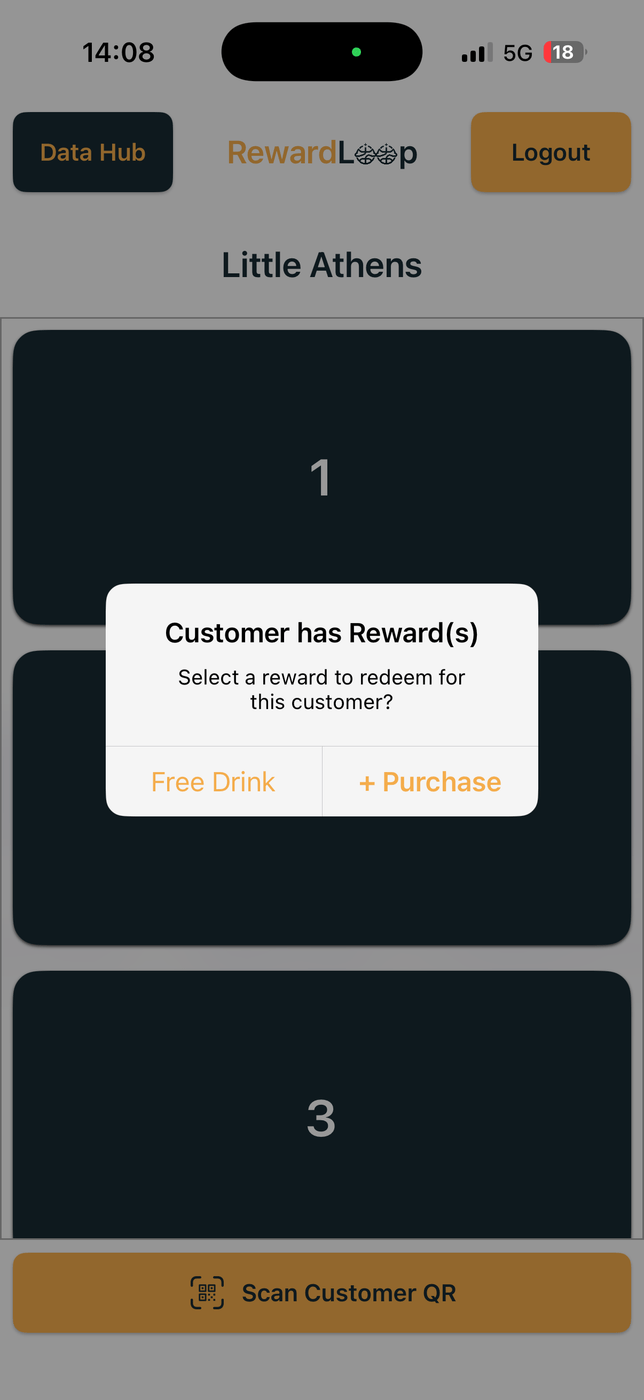
Staff scan the card in seconds
What your card shows
Every card is built from your setup, so it looks like your shop from the first scan.
- Your logo and colours. We suggest colours from your logo, and you can change them any time.
- A stamp for every visit, or a progress bar if you reward spending or points.
- The next reward they are working towards.
- The customer’s first name.
- On the back: your rewards, address and website.

It updates itself
After each scan at the till, the card fills in within about a minute. There is nothing for customers to refresh.
- On iPhone, the lock screen shows their progress after each visit.
- When a reward is ready, Apple Wallet and Google Wallet let them know.
- Redeeming a reward updates the card quietly, ready for the next one.

Make it yours in a minute
Choose your card’s colour, stamp icon and name in Settings, with a live preview as you go.
- Add a test card to your phone to see it before your customers do.
- Setup shows your card while you build it, so you know how it will look from day one.
Reminders and news
Your card keeps working between visits, with automatic reminders and news from you.
- Automatic reminders when a customer is close to a reward or has one waiting, with the same gentle rules as the RewardLoop app.
- Your news, written in your dashboard and checked by us, appears on the card.
- Customers can turn notifications off for your card at any time in Wallet.
Essential includes one announcement a month. Starter and Growth have no monthly announcement limit (up to one a day).

At the till
Staff scan the customer’s card with RewardLoop on the phone or tablet at your till. RewardLoop then shows the purchase or reward action.
- No new hardware: use a phone or tablet you already have.
- If you offer a Head Start, it is applied once with the customer’s first purchase that earns loyalty progress, whichever way they joined.
The app, if they want it
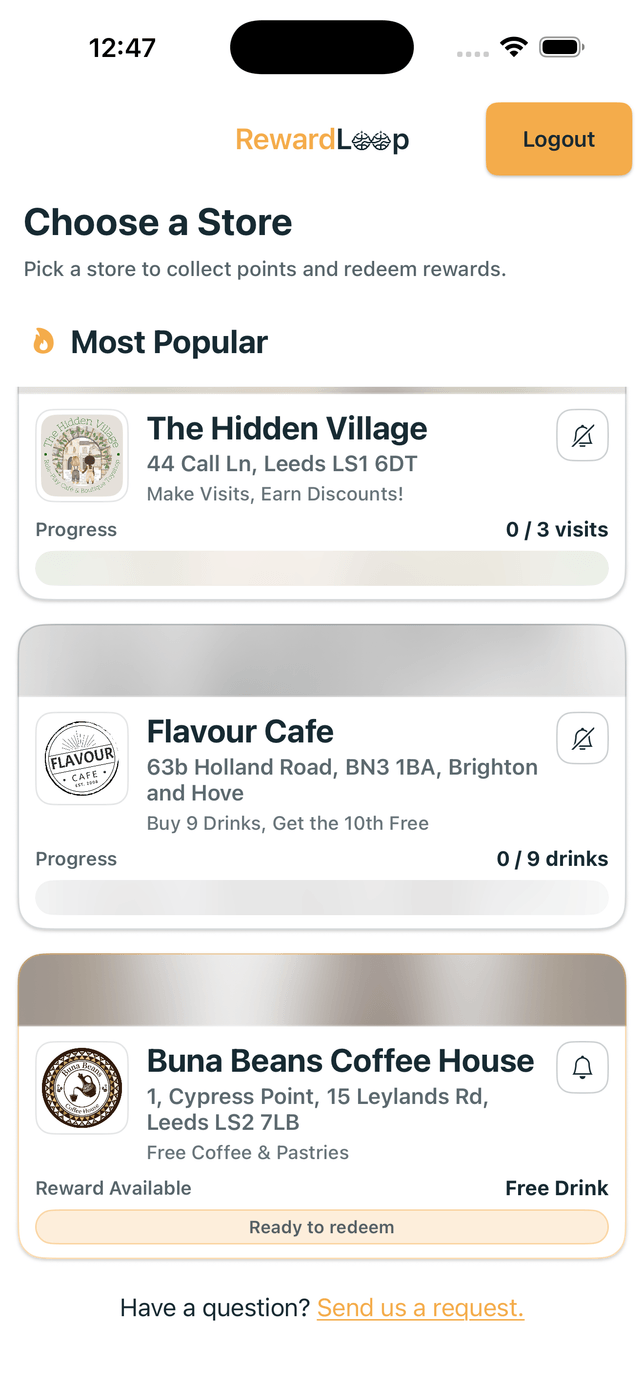
Customers can sign in to the RewardLoop app with the same account at any time, without joining again.
- Purchases collected through the RewardLoop app or an Apple Wallet or Google Wallet card update the same customer account.
- The app adds store discovery and anonymous suggestions for customers who want them.
Wallet card FAQ
Your Wallet card questions, answered
Do customers need the app?
No. They scan your poster, create a free account in their browser and add your card to Apple Wallet or Google Wallet. The RewardLoop app is there if they want it later.
Can they turn notifications off?
Yes. Customers can turn notifications off for your card at any time in Wallet. The card still fills in after every visit.
Does it work with Google Wallet?
Yes. Progress updates on the card in Google Wallet too, and Google lets them know when a reward is ready.
What happens to our posters?
Your free poster links straight to your card. Customers scan your poster or RewardLoop link and add your card in seconds.
Start Free
Give customers a choice from the moment they join
Create your account and set up at your own pace. Your 30 free days start when you go live.