Can food count as well as coffee?
Yes. Count drinks for a classic coffee card, or count visits or money spent so food counts too. You can change it later.
Can staff stamp a round of drinks at once?
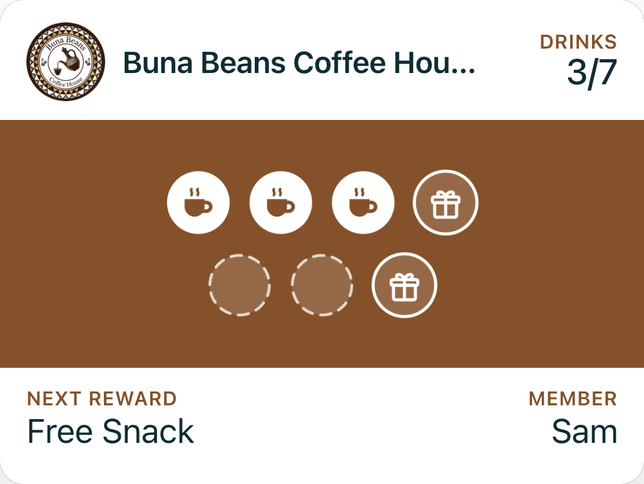
Yes. Staff choose how many drinks to add, so a round of four earns four stamps.
Do customers have to download an app?
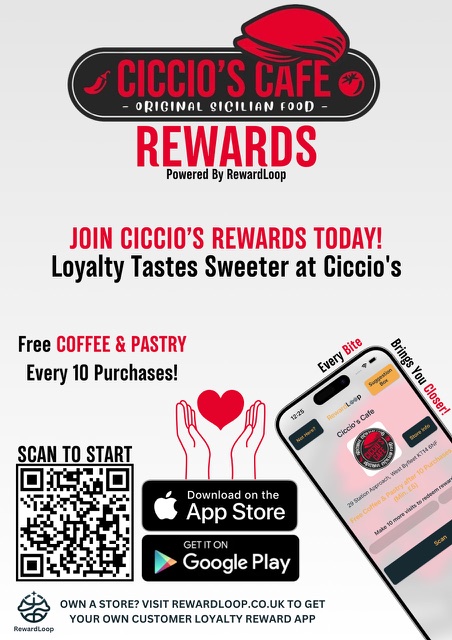
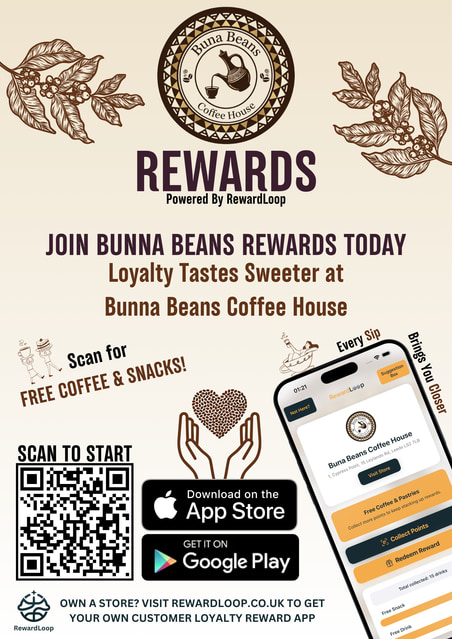
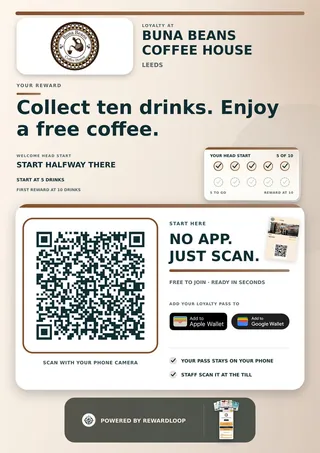
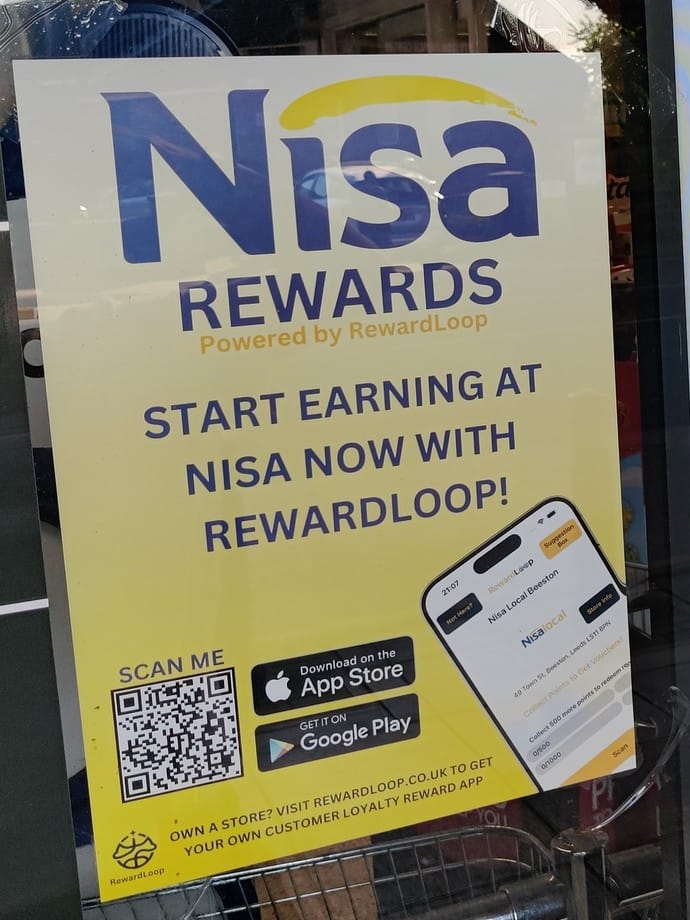
No. They scan your poster, make a free account in their browser and add your card to Apple Wallet or Google Wallet. Staff scan the card at the till and stamps fill in on their own. The RewardLoop app is optional, for customers who want more.
What if my customers don’t use it?
Customers join when they see your poster and when staff ask at the till, so ask everyone. In the UK, your stand-up card has the line to say on the back. Joining takes seconds, with no app to download, and a Head Start can give new members a few stamps to begin with. If your first few days are quiet, we’ll email you tips and offer to help. And if it isn’t for you, cancel online before your 30 free days end and you won’t pay for your plan.
I’m not good with technology. Can I still use it?
Yes. Setup takes a few simple steps, and if you’d rather not do it yourself, we’ll set your card up for you. At the till, staff use the RewardLoop app on a phone or tablet. In the UK, your stand-up card has the steps inside. Stuck? Call us on 0115 822 3654, Monday to Friday, 9am to 6pm UK time.
What do staff have to do?
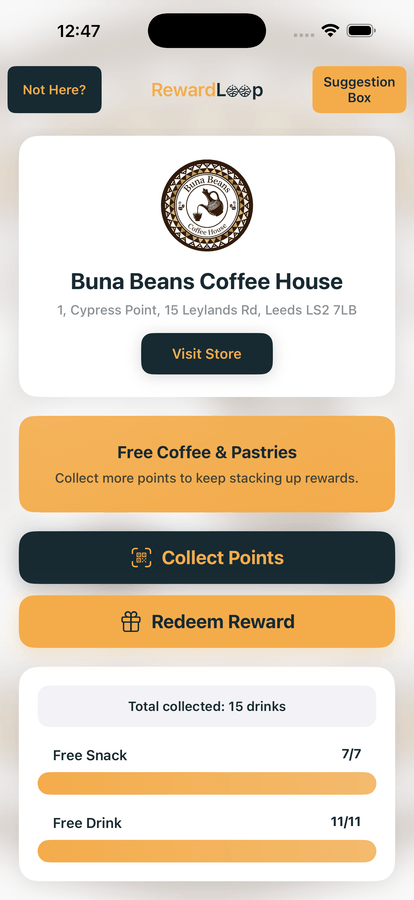
Ask every customer if they’ve got your card, and scan it on every visit. Staff use the RewardLoop app on a phone or tablet at the till, and you can make them a till login so they don’t need yours. They scan a customer’s Wallet card, or show a QR code for app customers to scan. It takes a few seconds.
Can I change my card later?
Yes. Change its colour, stamps and name any time in Settings. Customers’ cards update on their own.
Do we need new till hardware?
No. Use RewardLoop on a trusted phone or tablet behind the till. Staff can record purchases and handle app or Wallet customers from there.
Do I have to print anything?
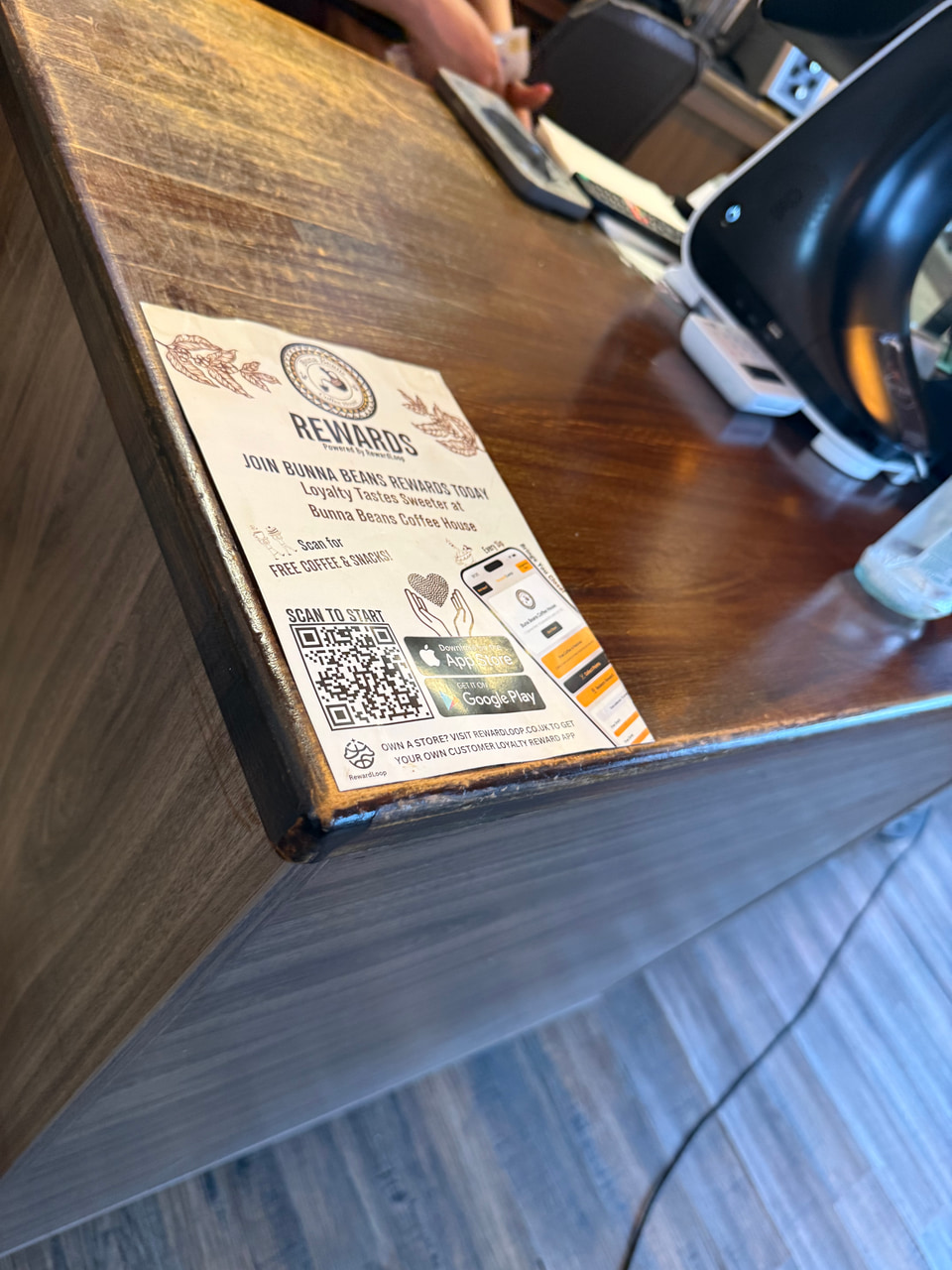
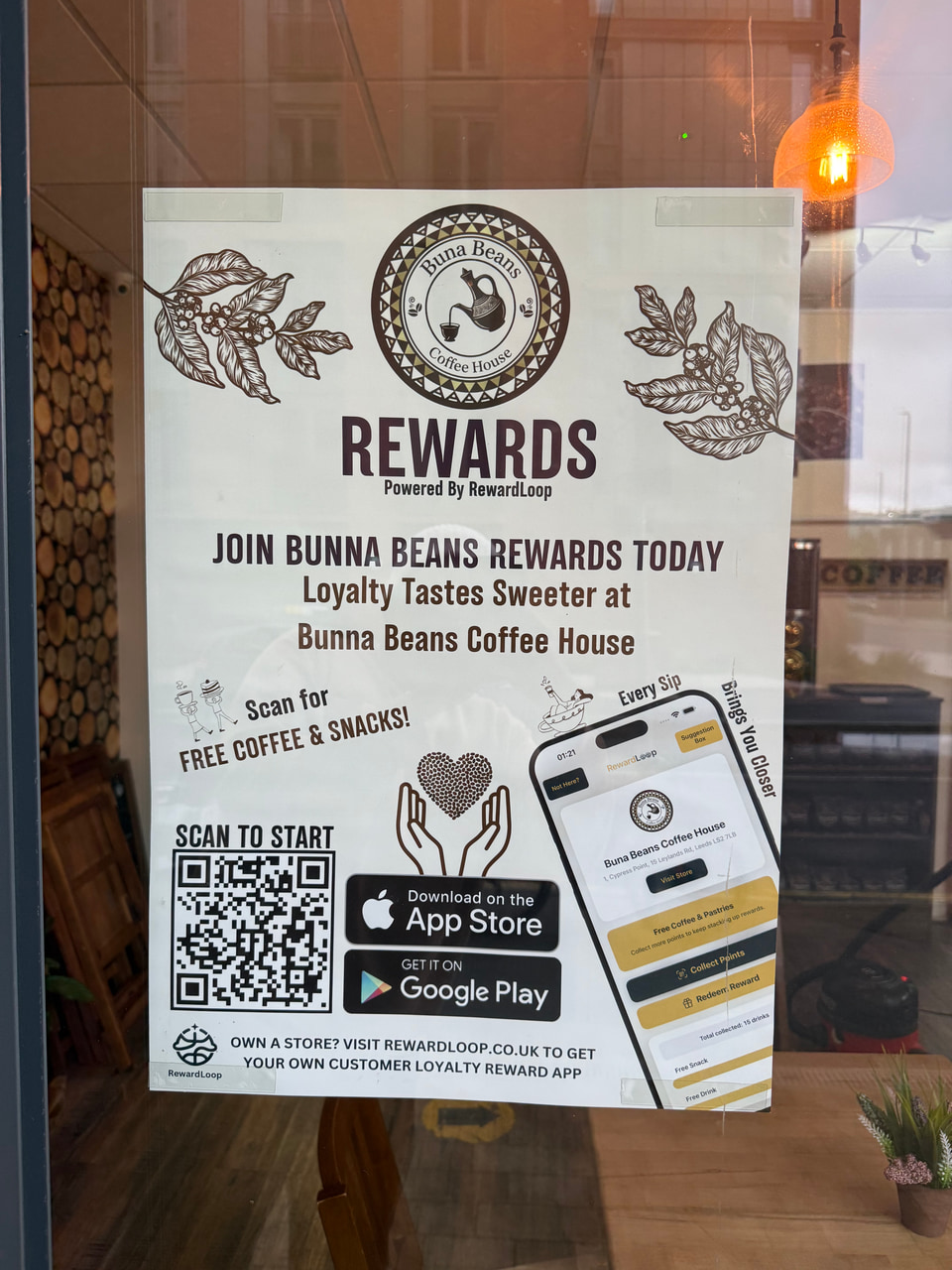
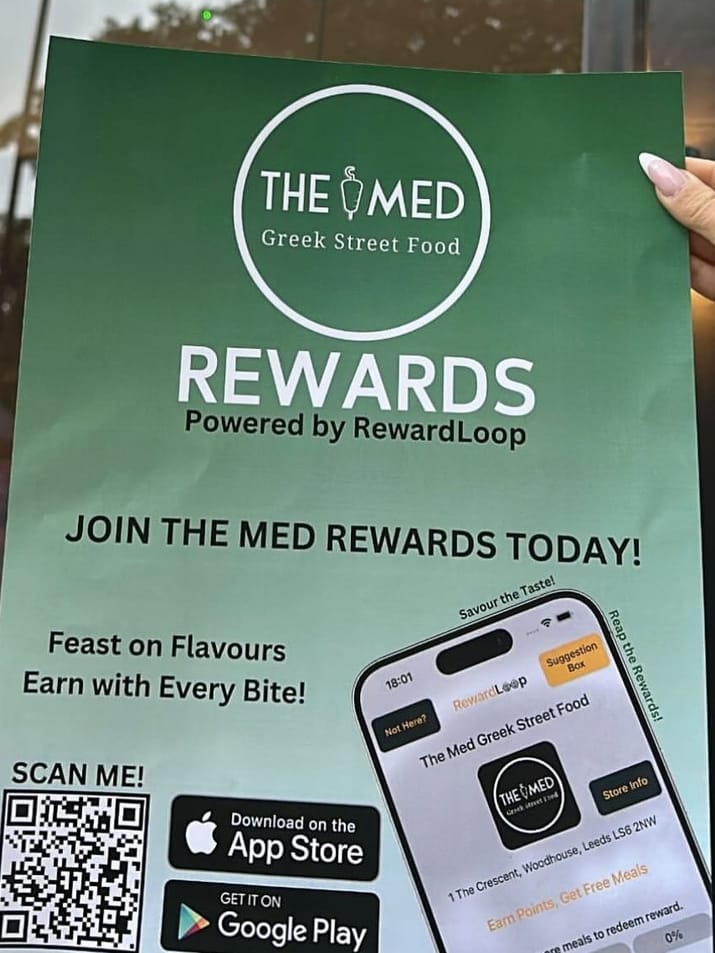
No. If you want to start straight away, your poster is ready to download and print the moment you go live. We also post you a free stand-up card for your counter, with your poster on the front and instructions for you and your staff inside. It’s usually with you within a week, and you can print more posters any time. The card is free for shops in the UK.
What counts as an active customer?
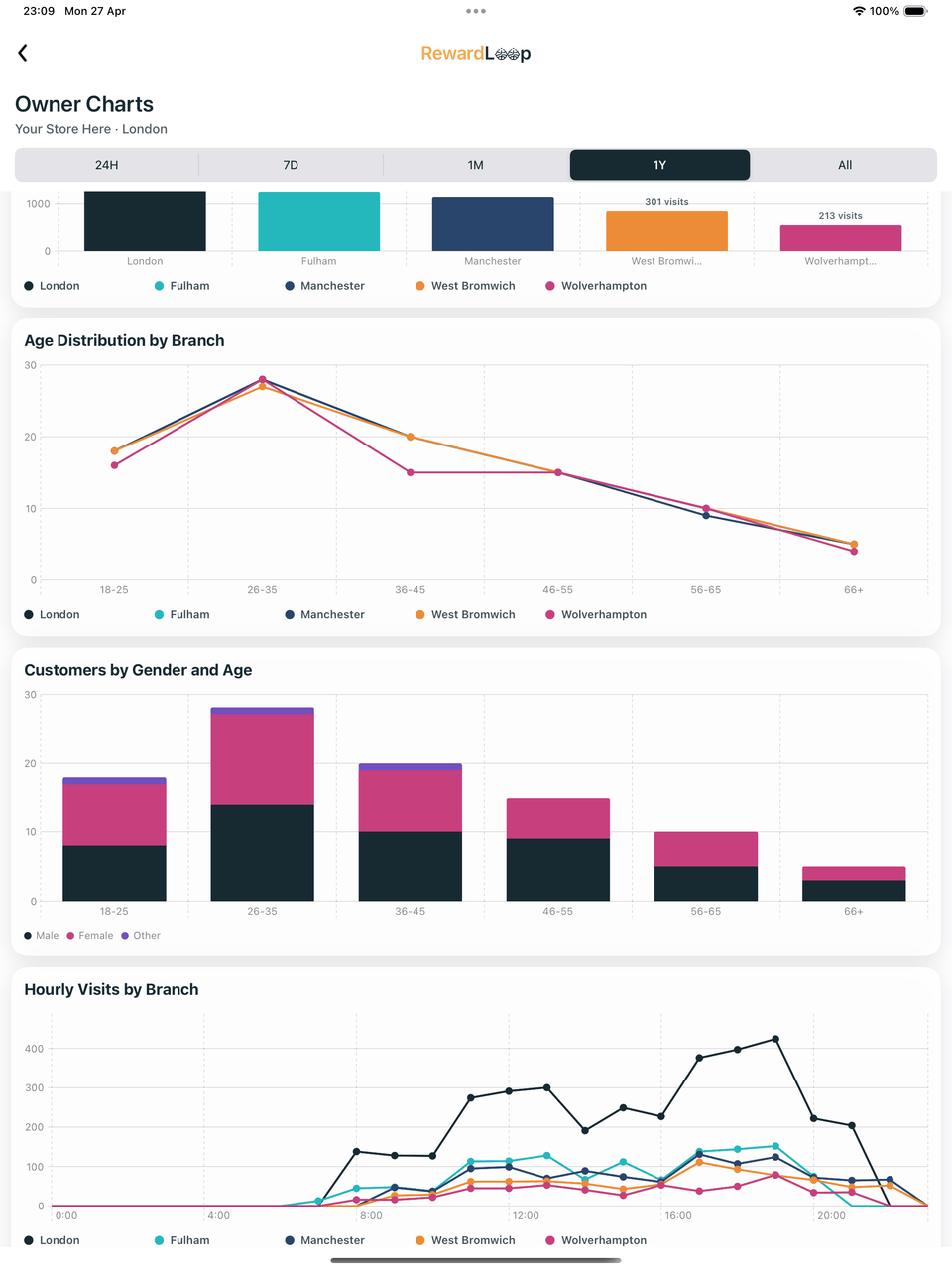
A customer with loyalty activity in the last 12 months. Essential covers up to 100 active customers. Starter has room for more, while Growth adds multiple branches.
When do I pay?
Creating your account and setting up are free. We ask for a payment card before you go live, and your plan is free for 30 days from then. Monthly billing starts on day 31, unless you cancel before then. Optional paid poster designs are charged when you go live.
How do I cancel?
Online, any time, from Billing in your RewardLoop dashboard. Cancel before your 30 free days end and you won’t pay for your plan. You can also call or email us and we’ll do it for you.














 Secure billing through Stripe.